A widget gets a second of attention and refreshes on the system’s schedule, not ours. That forced us to decide what matters most about each screen.
Three rules we kept
- One question per widget: What’s next? How long is left? Did I do it today?
- No numbers without context: “3 left” beats “3”.
- Every tap goes somewhere specific, never just to the app’s home.
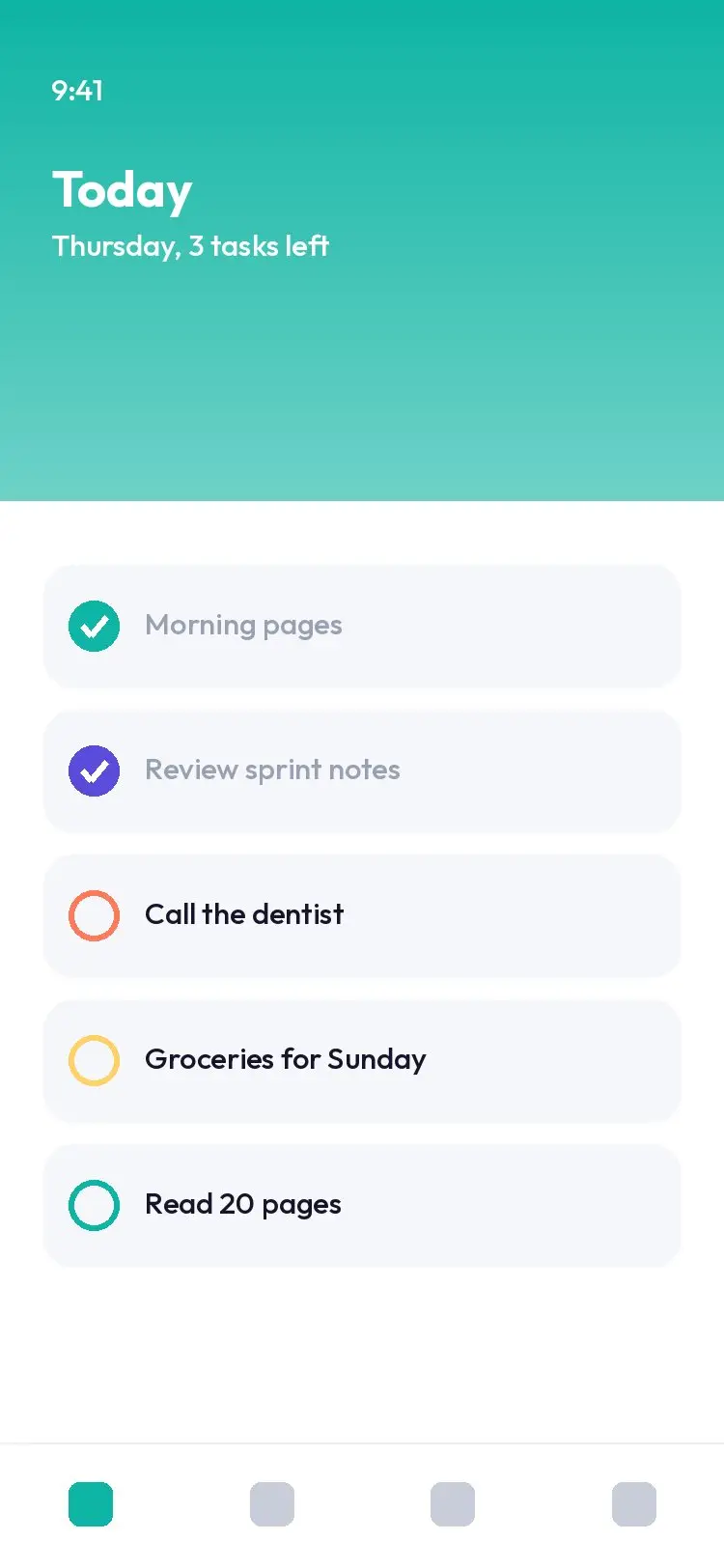
The Today widget turned out to be the clearest version of the Today view, so we brought its layout back into the app in 3.0.
Widgets are part of Nestly Plus. Add them from your home screen’s edit mode, then pick Today, Focus or Habits in three sizes.